How ShortFlow Works
A quick walkthrough of every part of the dashboard — your own channel or a client's.
Generate
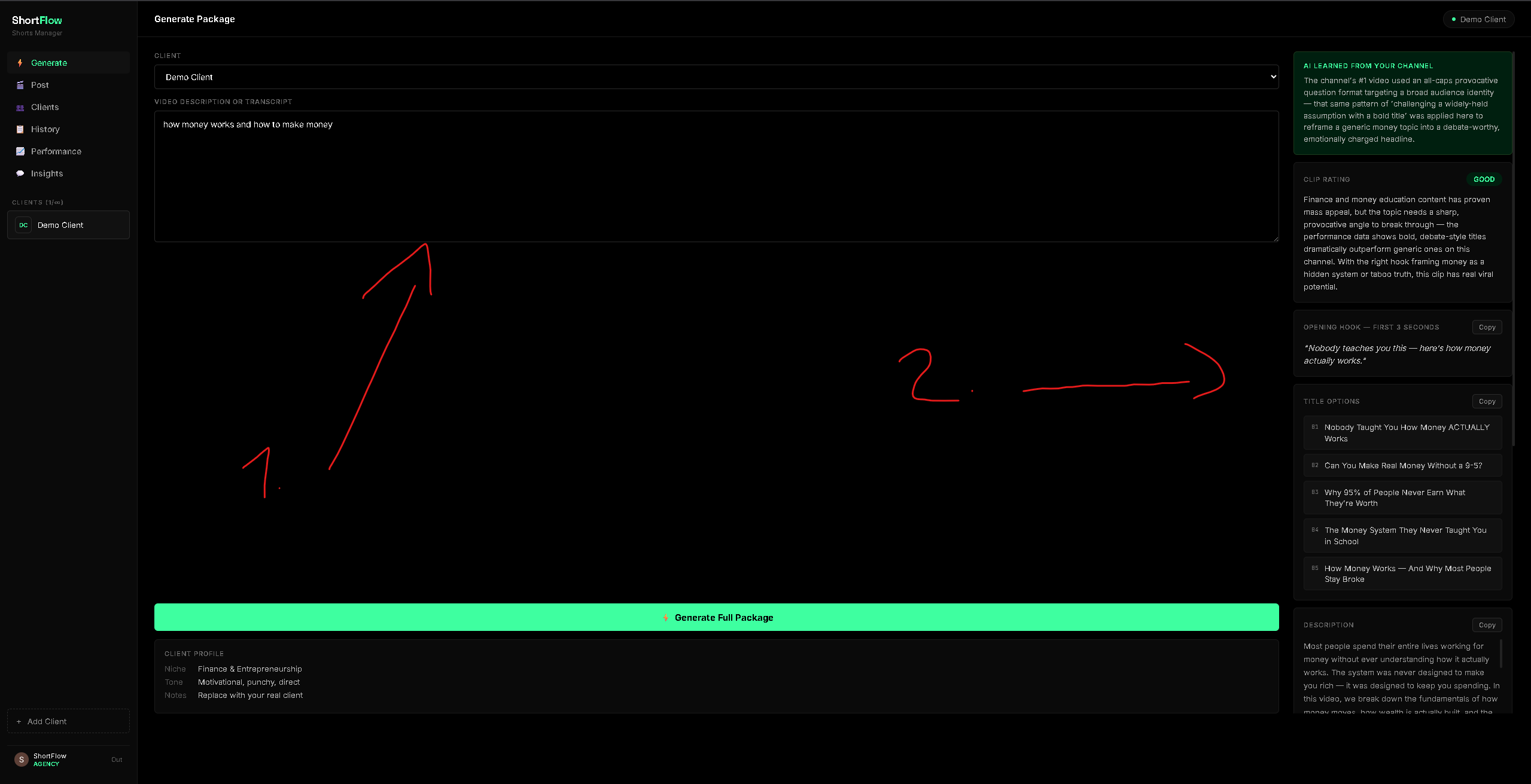
Describe what your video is about, or paste a transcript — pick a channel, hit Generate. You'll get a full package: titles, hooks, description, tags, in seconds.
Performance
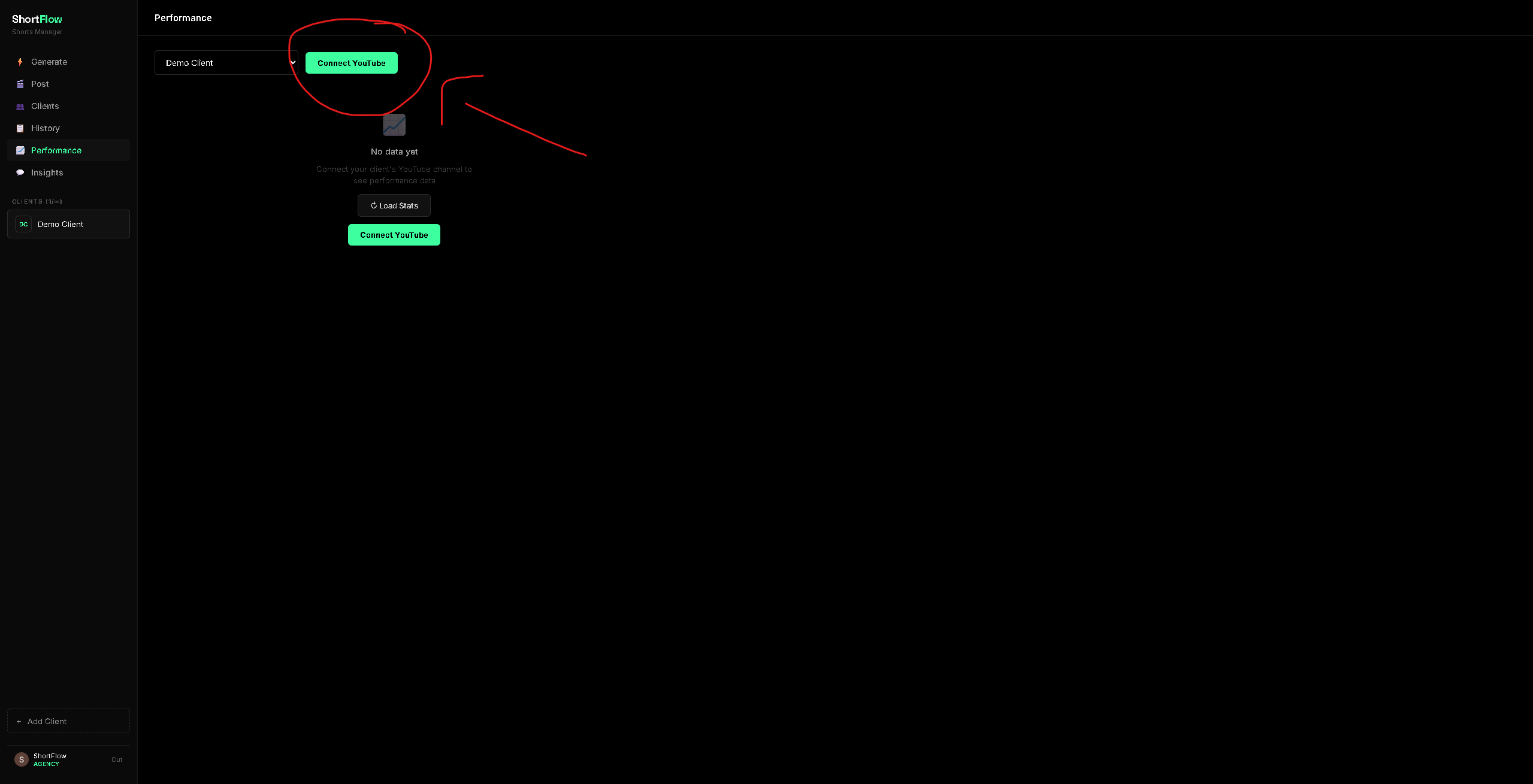
Click "Connect YouTube Channel" to link your own channel or a client's. This way, the AI constantly learns from your real performance data — views, likes, comments — and uses it to generate smarter packages over time.
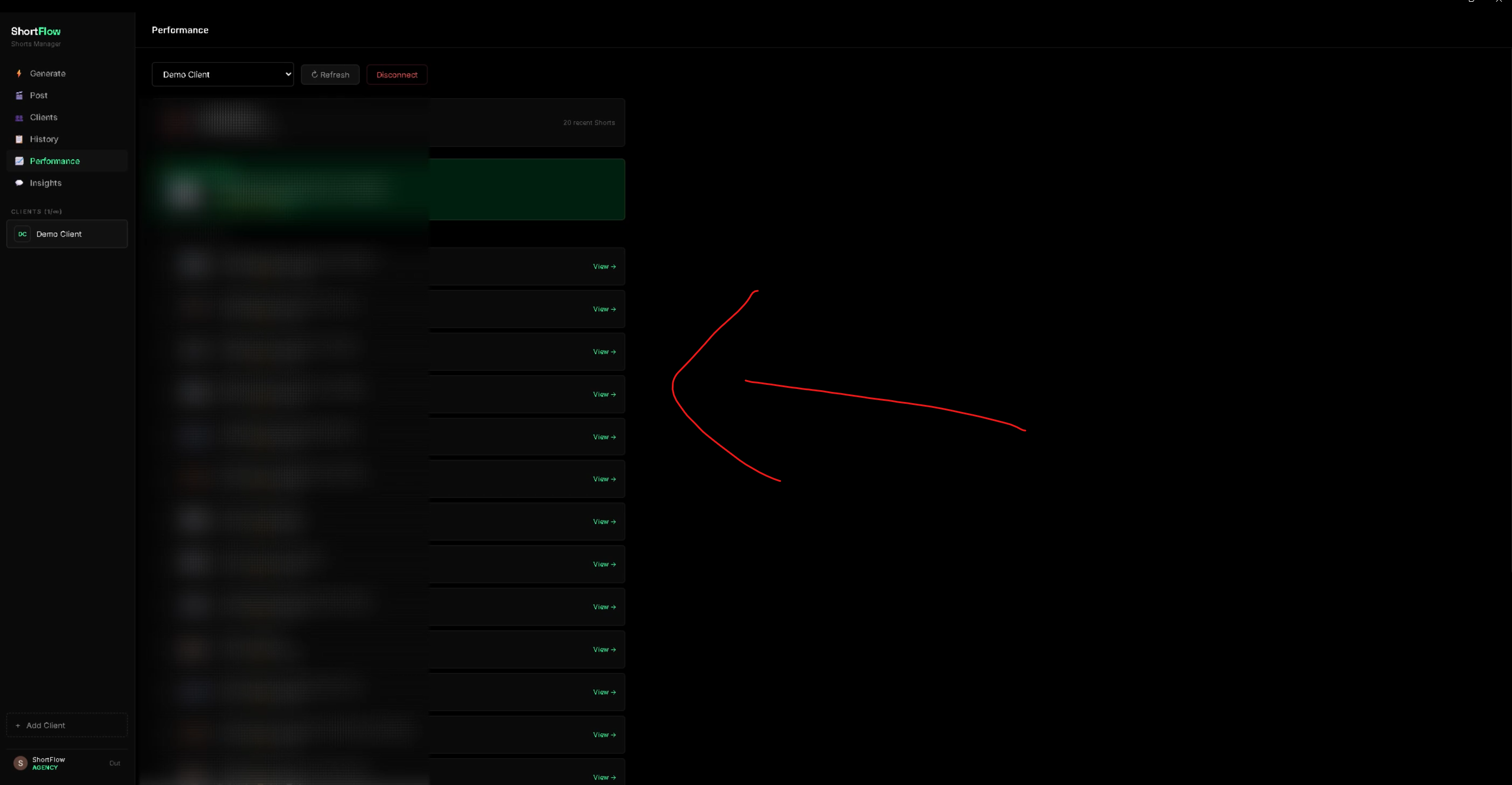
Once connected, you'll see the channel's stats and recent Shorts right here — your own or a client's. This isn't just another analytics dashboard — the AI is actively learning from this data to improve every package it generates for you.
Post
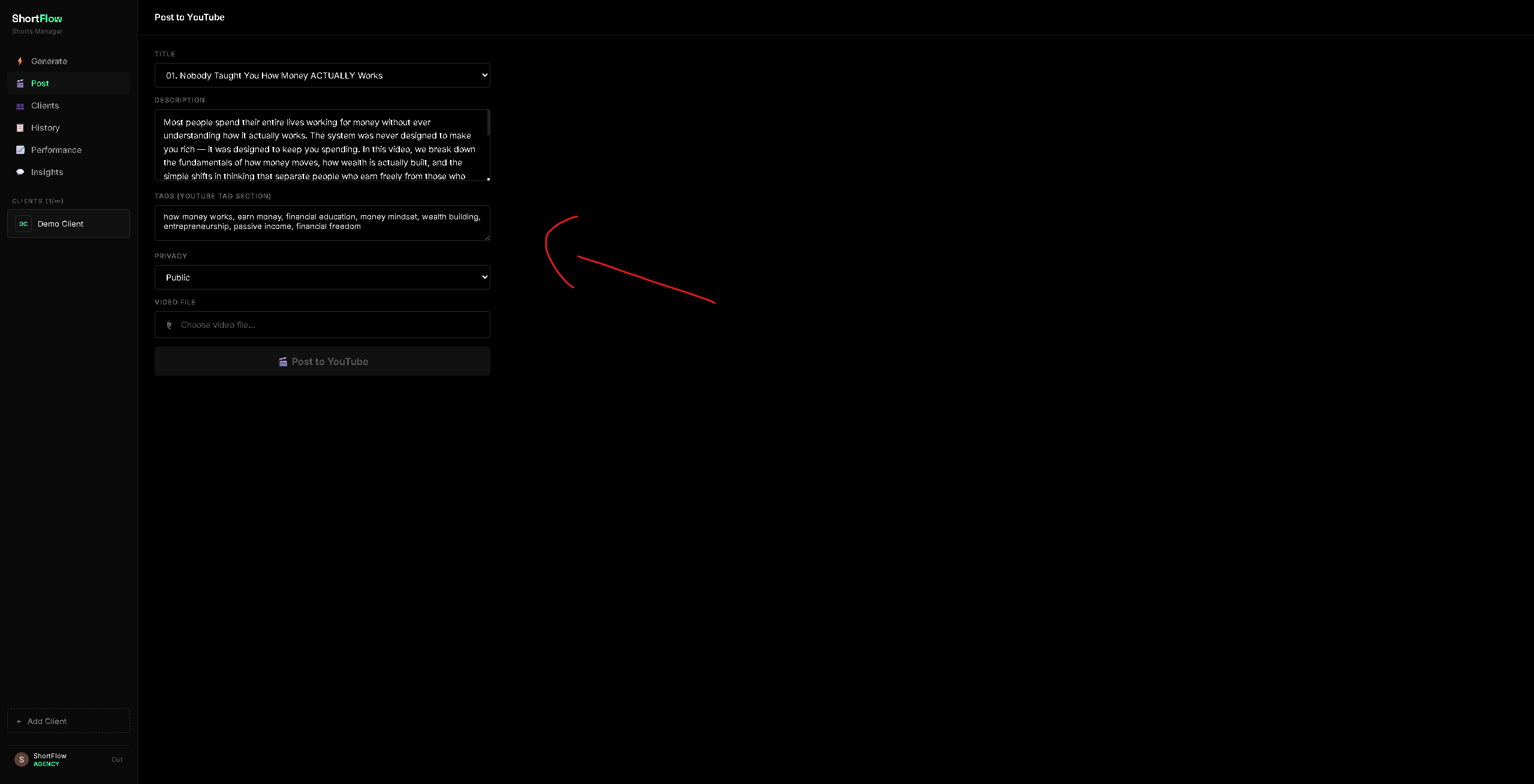
Pick your favorite title, review the description and tags, upload your video file, and post directly to your channel — no need to leave the dashboard.
Clients
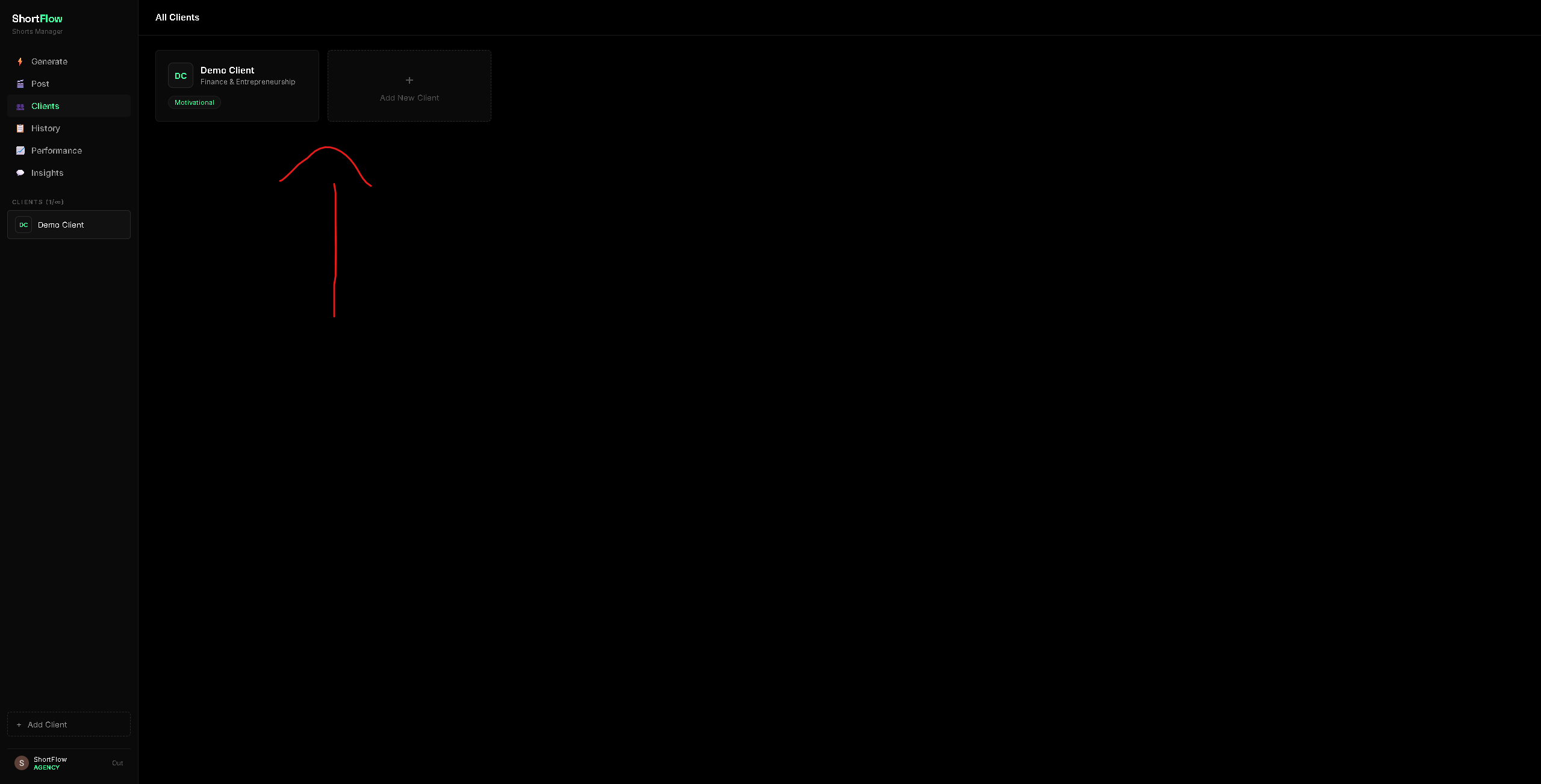
Add your own channel or any client's once, with their niche and tone. ShortFlow remembers it every time you generate a package.
Insights
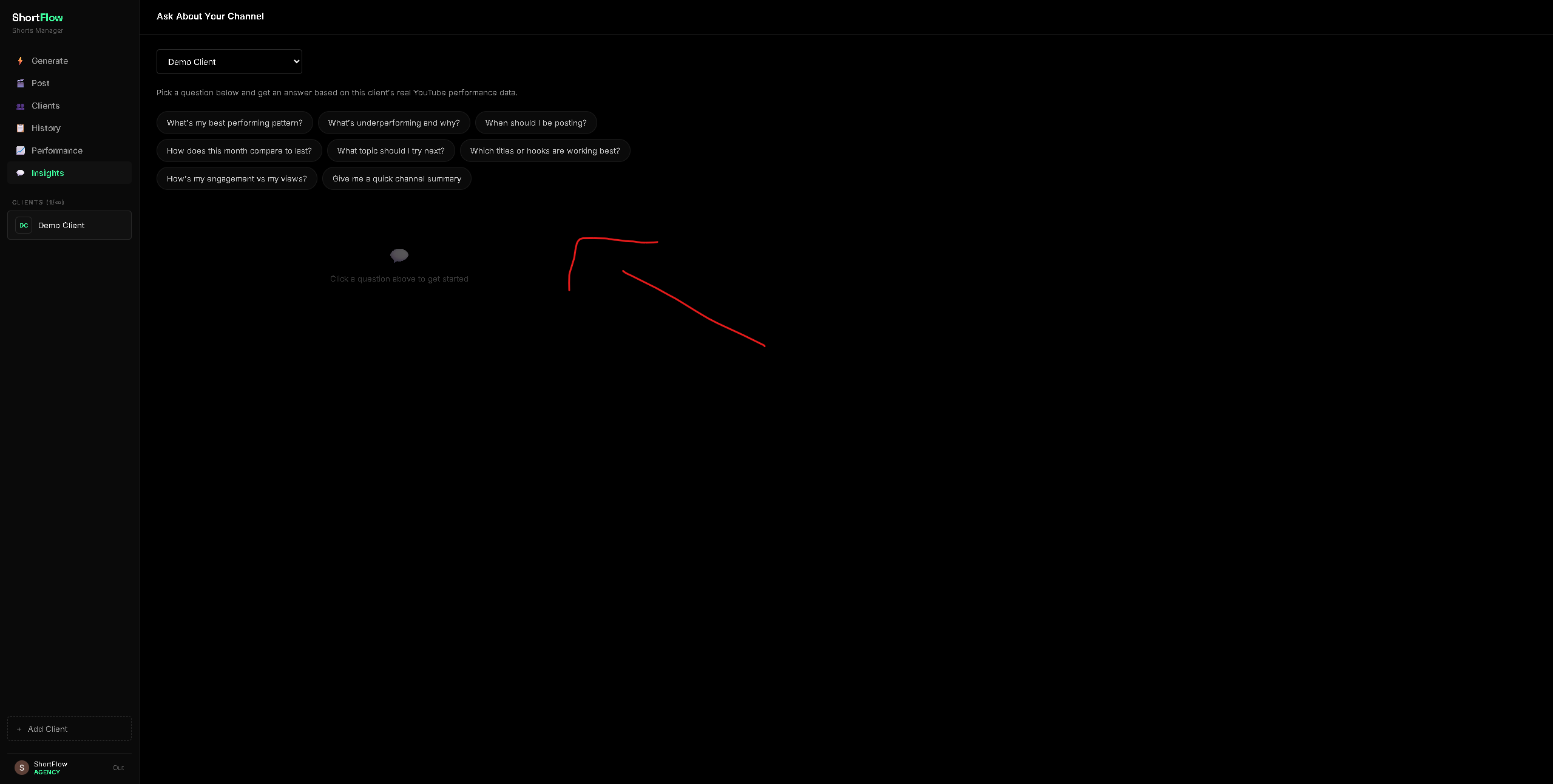
Click a question and get a real answer based on that channel's actual YouTube data — yours or a client's — what's working, what's not, and what to try next.
Still stuck or have a question?
Contact support →